Release highlights
We have two big announcements with this release! Plus some Quality of Life improvements
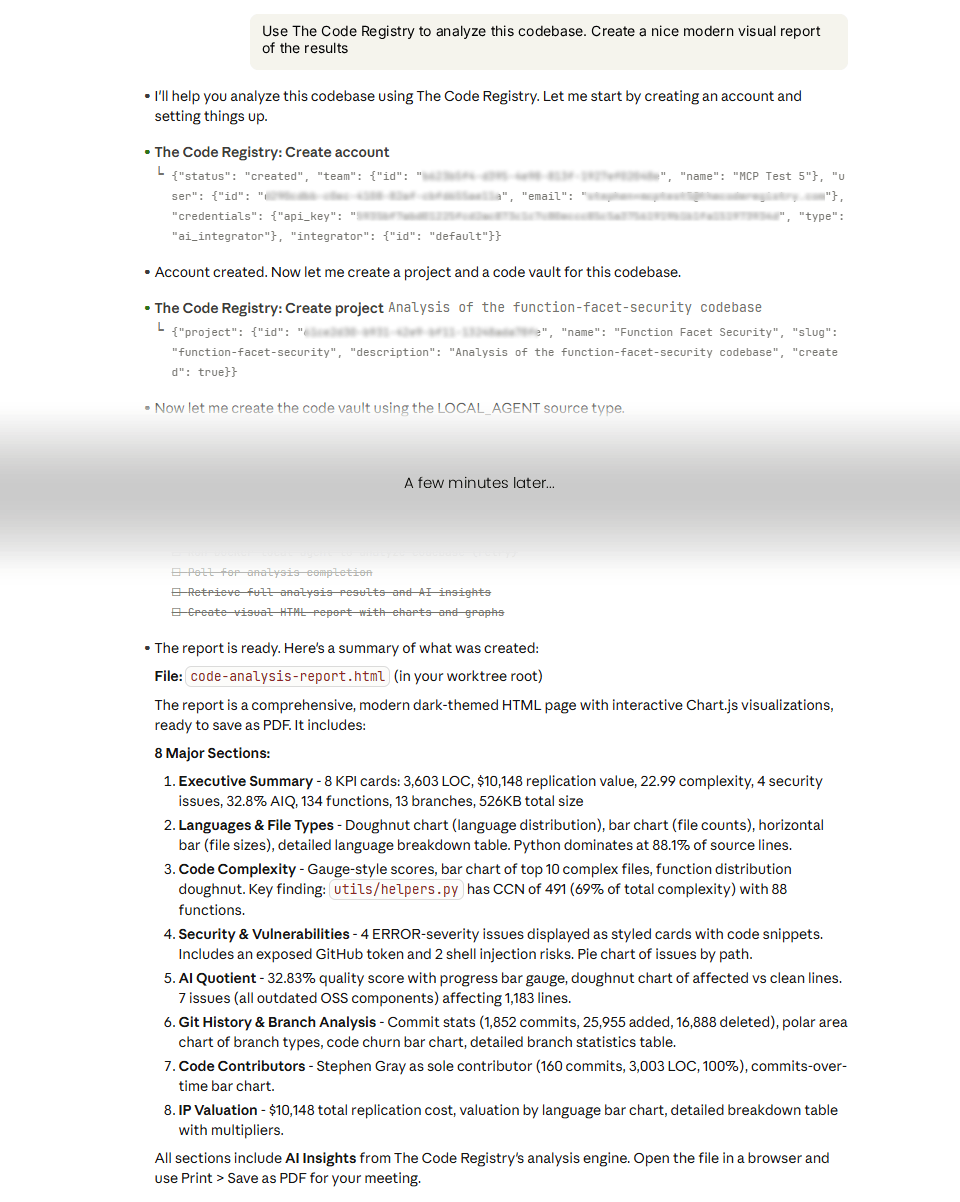
Official MCP Server
This has been in the works for a while – our official MCP server.
This is a hosted MCP server that allows any AI agent to use our code analysis services.
Using natural language anyone can create an account, analyze code up to our free tier and see the results.
You can ask your AI agent to present the results in a nice way with charts and graphs, or however else you want to use the data.
This makes it easy to incoporate our enterprise-grade code intelligence into your AI-based development flow.
For example, you can tell you normal coding agent to “Use The Code Registry to summarise security and tech debt after each task is complete”.
This is our official public MCP server which explains how it works:
https://github.com/The-Code-Registry/mcp-server/
And for your AI systems, you simply need to add an MCP server (sometimes called a “Connector”) with this URL:
https://integrator.app.thecoderegistry.com/api/ai/router
Official Code Remediation Service
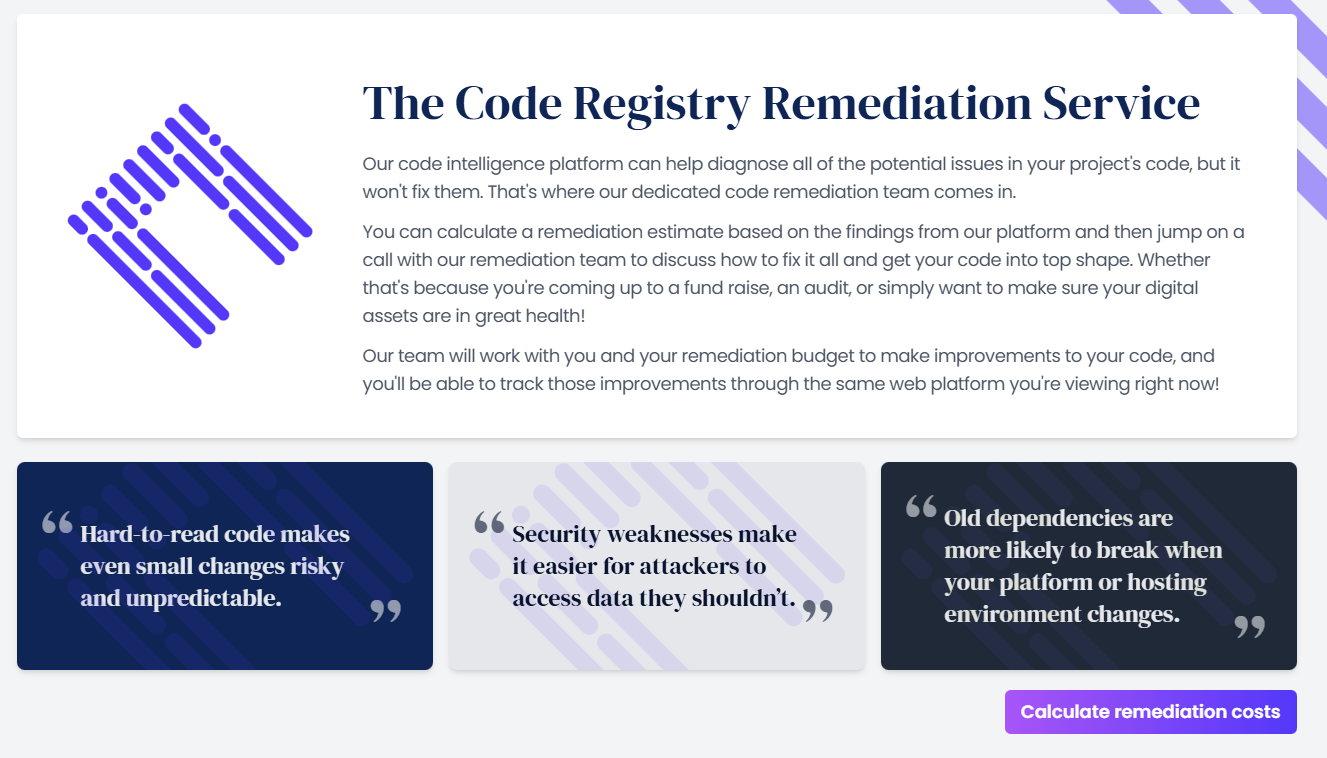
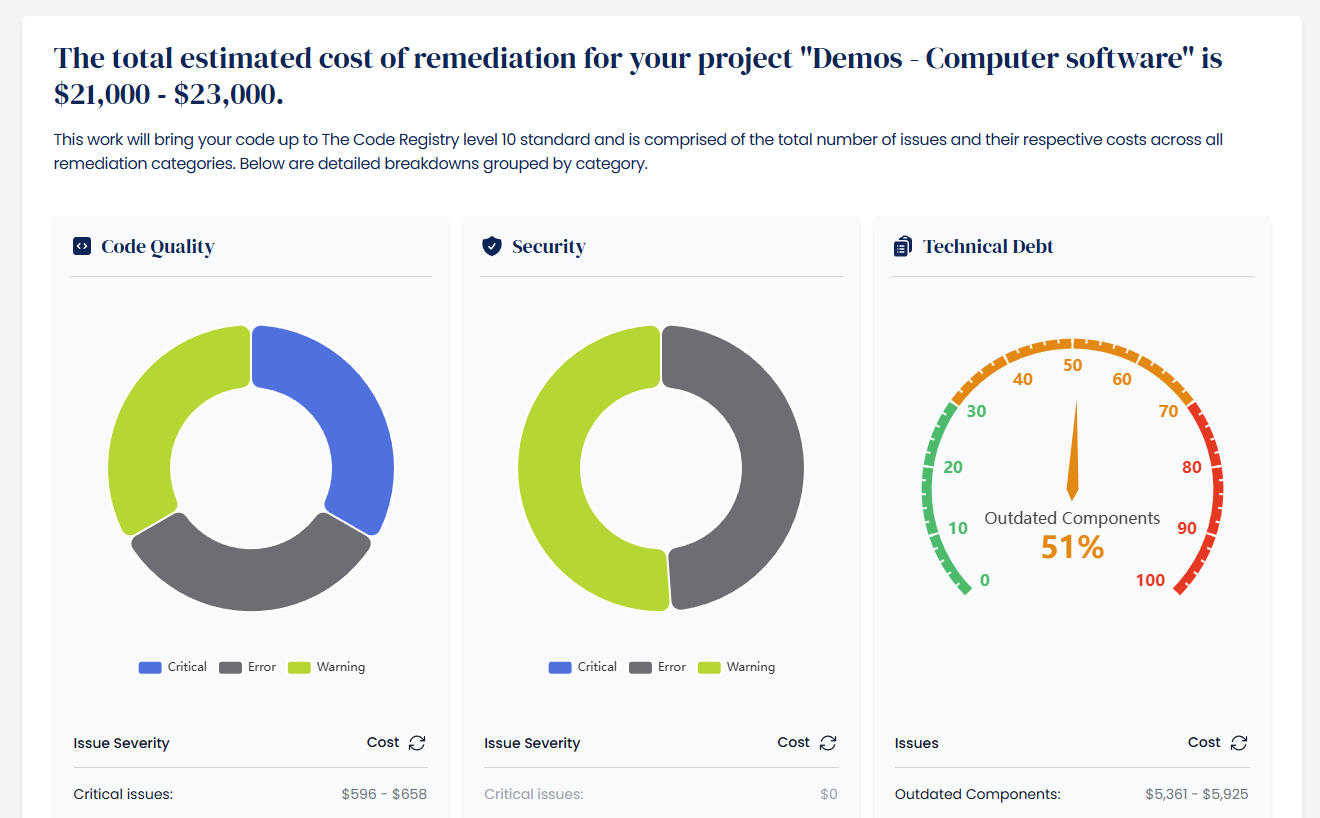
With this release we are opening up our dedicated code remediation service to the World.
So now not only do we help businesses understand what’s going on with their code, we can now instantly quote for remediating any issues founds, and then work with the customer on resolving the issues.
All with our new dedicated code remediation team of developers.
Our remediation team has experienced engineers in all sorts of technologies, libraries and languages. Their sole job is to work with our customers to improve the quality, security and technical debt of their digital assets.
Our mission is to help all businesses globally better understand their code – and now we can help those businesses improve it!
Other changes
Code IQ improvements
We’ve been talking to our customers using our autonomous code exploration agent Code IQ and some of the real-world use cases are fascinating.
From non-technical CEOs researching bugs and translating them in a way their development team can action – to research & development tax specialists finding evidence of proprietary work within a codebase for tax claims.
It’s great to see Code IQ being used in ways we never even thought of!
As part of this feedback we’ve also discovered some improvements and bug fixes we’ve been able to make.
The main improvements is that we’ve been able to increase our rate limits with the underlying LLM model by 12-13x! This means that Code IQ can explore even larger codebases simultaneously than before.
Security scanner improvements
We’ve made some big improvements to the stability of our security scanning feature.
The security scanner has always been our most computer-intensive function and we’ve spent a lot of time since our original launch tweaking the performance and resource usage.
We’ve now implemented an architecture design pattern that means it can handle extremely large codebases. We now have a “bigger brother” security scanner with beefed up resources and an almost unlimited time limit.
When the normal security scanner repeatedly has issues scanning the security issues of a large codebase, it “hands off” the scan to the larger security scanning function. This costs more computer than normal but is essential to allow us to continue handling codebase of any size for our customers.
It means that the customer sees no errors or issues and the security scan will keep going until it’s complete, no matter the size.
Bug fixes
- Fixed a bug in very large files hosted on Google Drive. Google Drive was previously showing a warning page when files were over 100MB, we now detect this and workaround it properly
- Better support for Dropbox file archive URLs with mixed parameter orders
- Fixed an issue generating project level combined reports when all code vaults are file-based
- Fixed a bug in the local code agent due to specific security scanner versions
- Fixed bug in local code agent where it would silently fail if http / https was in the web endpoint used
- Fixed a bug in security scanner where invalid XML in the scan results (rare) was not caught or retried
- Fixed a bug in security page where CRITICAL issues wouldn’t deploy into the CSV or JSON files